Click through it once. Pathnote writes the guide.
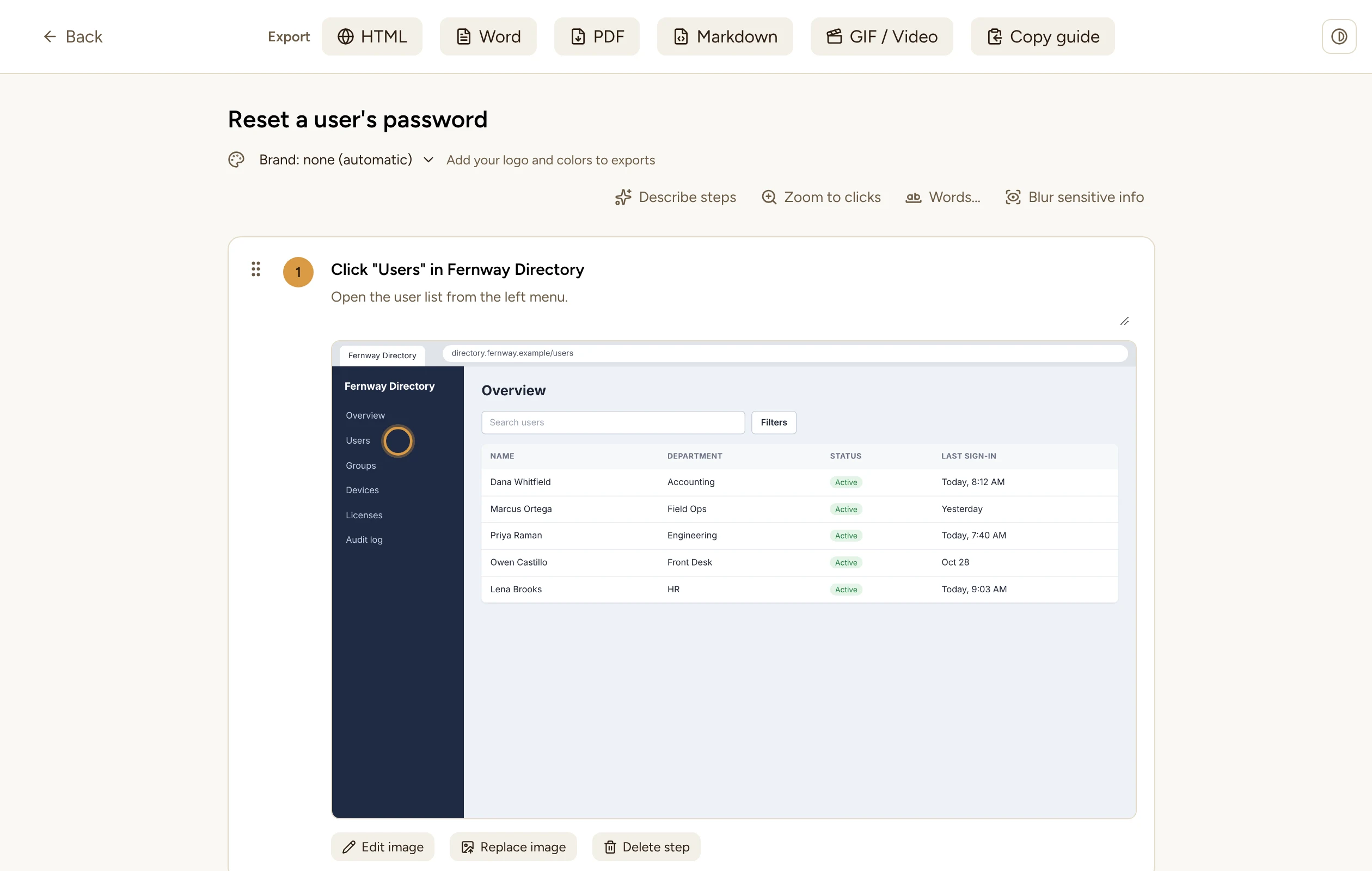
Pathnote turns each click and keystroke into a step with a screenshot, blurs passwords, emails, and IP addresses on your own PC, and exports a guide your team can follow.
Free to use. Every new install includes 14 days of Pro, no card needed.
The screenshot is safe to share before you share it.
Pathnote reads every screenshot and blurs what shouldn't leave the building. It runs offline on your PC, so nothing is uploaded to be checked.
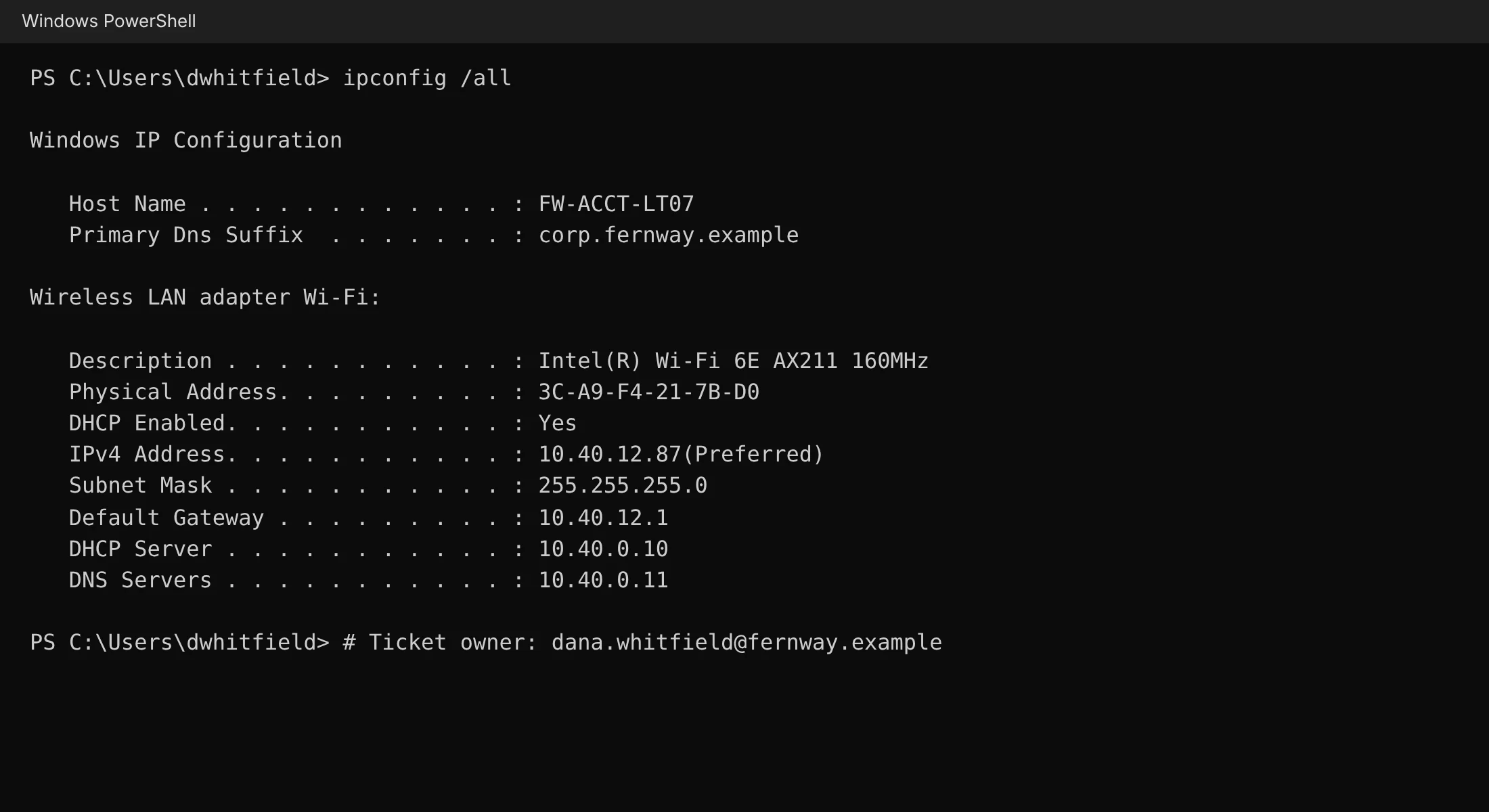
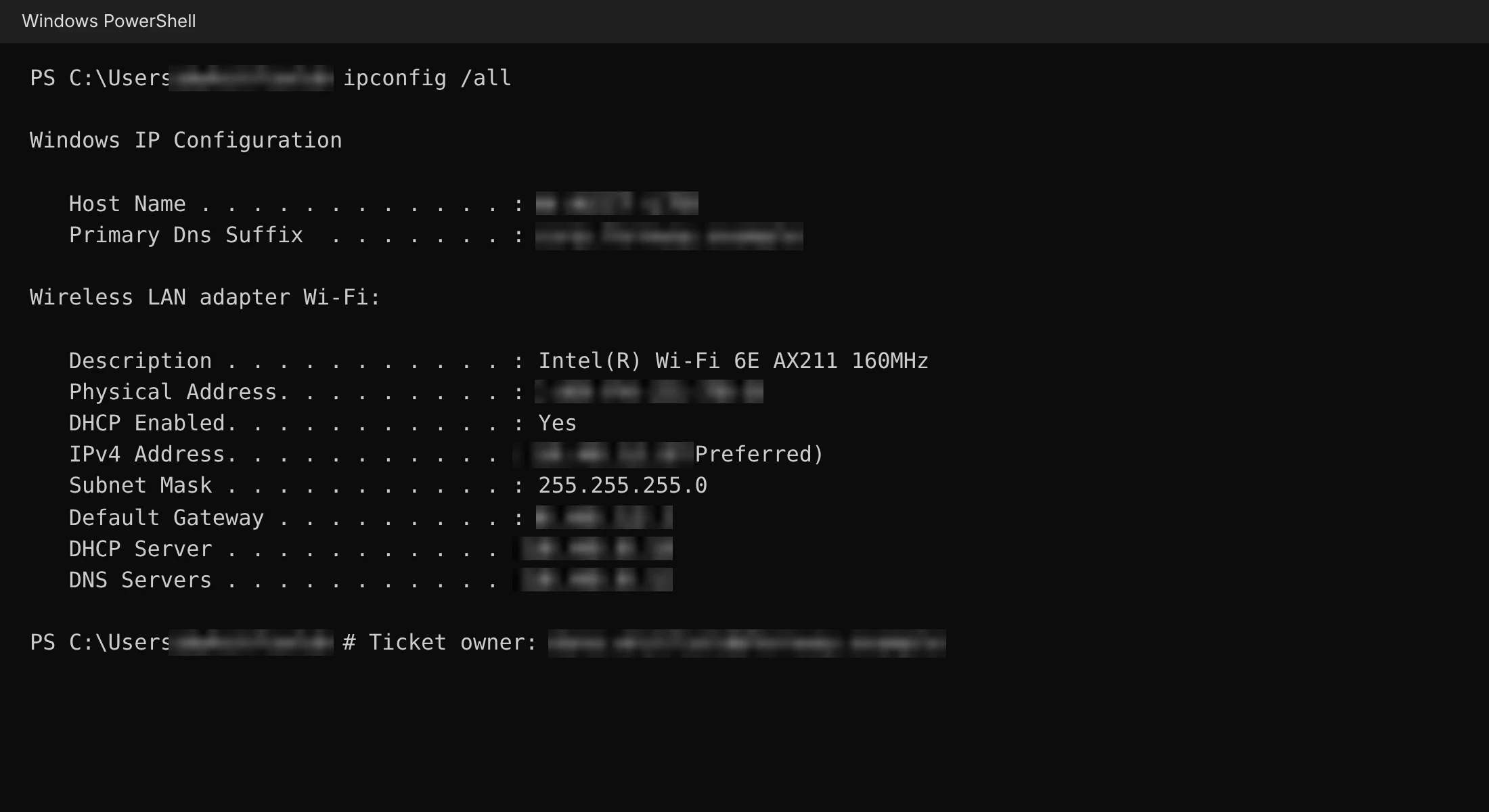 RecordedAfter Pathnote
On this screenshot, Pathnote found 10 of 10 sensitive values and left the rest readable.
- Emails
- Phone numbers
- IPv4 and IPv6
- MAC addresses
- Host and domain names
- Usernames
- GUIDs and IDs
- Your own words list
It also swaps the same values out of step titles and descriptions, and asks before you export a guide that hasn't been checked.
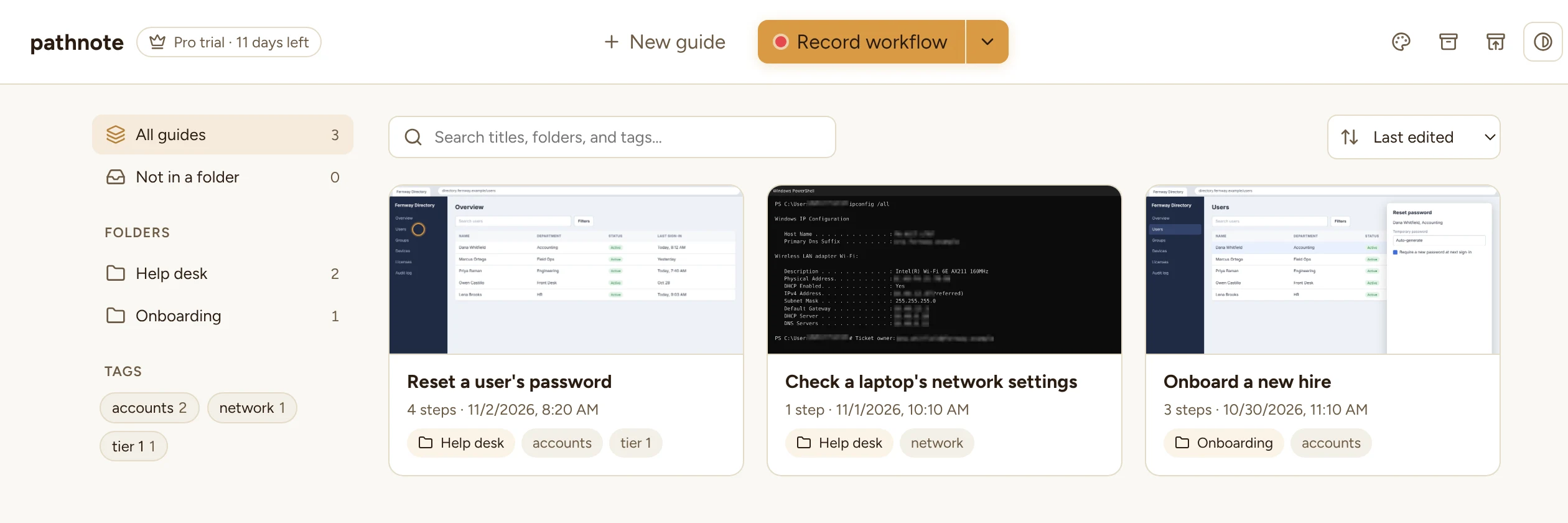
From clicks to a finished guide in three stops.
- 1
Record
Press Record and do the task the way you always do. Each click becomes a step titled with what you clicked, cropped to the window you were in. Typed text is captured too, if you turn it on.
- 2
Tidy up
Reorder steps, add sections, and drop in Note, Tip, or Warning callouts. Mark up screenshots with arrows, boxes, and text, and zoom in on the part that matters.
- 3
Share
Export to Word, PDF, HTML, or Markdown, make a GIF or video, or copy the whole guide straight into a ticket or knowledge base article.
Built by an IT manager for the guides IT actually writes.
Private by default
Guides, screenshots, and the blur scan all stay on your computer. No account, no cloud library.
A real annotator
Arrows, boxes, circles, text, blur, and crop, with keyboard shortcuts. Move or resize anything after you draw it.
Zoom to the click
Steps can zoom in around the click so readers see the button, not a whole monitor. Zoom back out any time.
Your brand on every export PRO
Add your logo, colors, cover page, headers, and footers. Give each folder its own brand, so client guides go out with the client's look.
GIF and video PRO
Turn a guide into a short GIF or MP4 with captions and a progress bar, ready for chat, email, or a training page.
AI step descriptions PRO
Optional, and off until you add your own Claude API key. Pathnote blurs each screenshot before anything is sent.
Free for everyday guides. Pro when they go out with your name on them.
Every new install starts with 14 days of Pro, no card needed. After that, Pathnote keeps working as the Free version.
Free
- Unlimited guides and recordings
- Blur sensitive info and your own words list
- Annotator, sections, and callouts
- Folders, tags, and backups
- HTML, PDF, Markdown, and Copy guide, with a small "Made with Pathnote" line
Pro PRO
About $4.92 a month, billed once a year.
- Everything in Free
- Your logo, colors, cover page, headers, and footers
- Word export
- GIF and video export
- AI step descriptions with your own API key
- No "Made with Pathnote" line
- One key works on up to 3 computers
Before you download
Does Pathnote upload my screenshots?
No. Recording, blurring, and exporting all happen on your computer, and guides are saved in a folder on your PC. The only optional feature that sends anything is AI step descriptions, which stays off until you add your own API key, and blurs each screenshot first.
Which computers does it run on?
Windows 10 and Windows 11. Pathnote installs for your user account and updates itself when a new version is out.
Windows says "Windows protected your PC" when I install. Is that safe?
That warning appears for new apps that Windows doesn't recognize yet. Click More info, then Run anyway, to install. Only download Pathnote from this site.
What happens when the 14-day Pro trial ends?
Pathnote switches to the Free version. Your guides, brands, and settings stay as they are, and you can buy Pro at any time to turn the Pro features back on.
How does the license key work?
After checkout you get a key on the confirmation page and by email. Paste it into Pathnote under Pro. One key works on up to 3 computers, and you can move it by removing it from one computer and entering it on another.
What if I cancel my subscription?
Pro keeps working until the end of the period you paid for, then Pathnote goes back to Free. Nothing you made is deleted. The Lifetime plan never expires.
Can it blur names?
Add names, client names, or project code words to your Words list, and Pathnote blurs them on every scan. Emails, phone numbers, network addresses, and IDs are found automatically.